
From either the customer or business services pages.
Choose the service you need, your preferred date and time (if applicable), and the quantity.
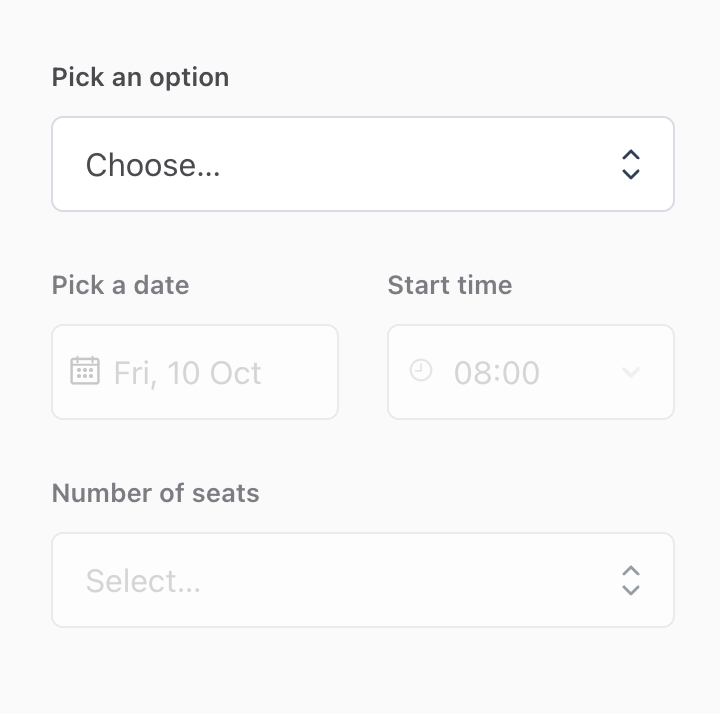
Note: You will NOT be charged until your booking is accepted by a beauty artist.
Before submitting your booking, you’ll need to provide additional service details, including:
• Service location and type
• Service recipent details (e.g. name, gender, and age group)
• Contact number
• Occasion or purpose of the beauty service
• Provider preference details (e.g. gender and language)
• Desired makeup style (if any)
• Arrival instructions (if any)
• Any other details
Once you submit your booking request, our team will match you with a qualified beauty artist and confirm your booking within 24 hours.
You’ll receive an email notification with the artist’s portfolio once it’s confirmed.
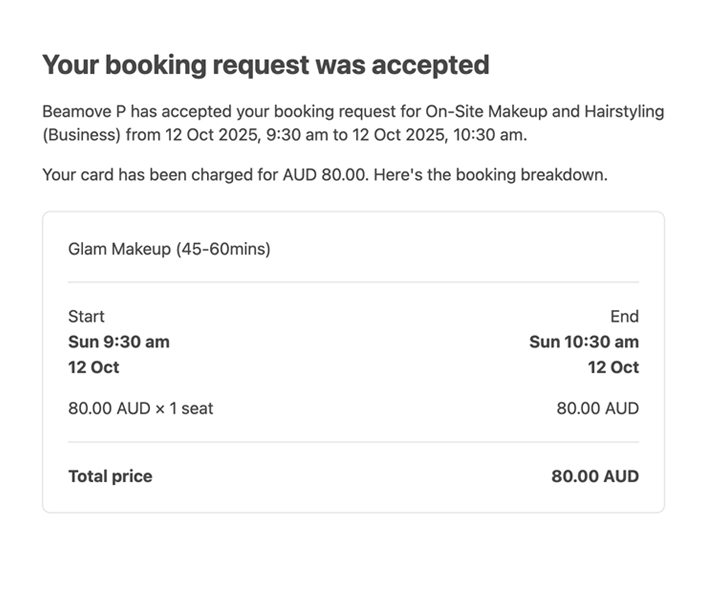
🔒 Your card is then charged and your payment is safely held by Stripe.
Note: Funds are only released to the provider once your service has been completed.
Your beauty artist will arrive at the scheduled time and location.
We will share your contact details with your artist up to 36 hours before your appointment so they can reach out if they have any questions regarding your booking.
If you’d like to contact your artist earlier, you can reach out to us via your order chat or at support@beamove.com.au, and we will forward messages between you and your artist.
